
Introducing Palatial’s Open Simulation Asset Library
A robot learns in an environment full of objects: the container it picks up, the handle it reaches for, the mechanism it moves. Their shape and appearance determine what the robot sees. Their geometry and physical properties determine what happens when it makes contact.
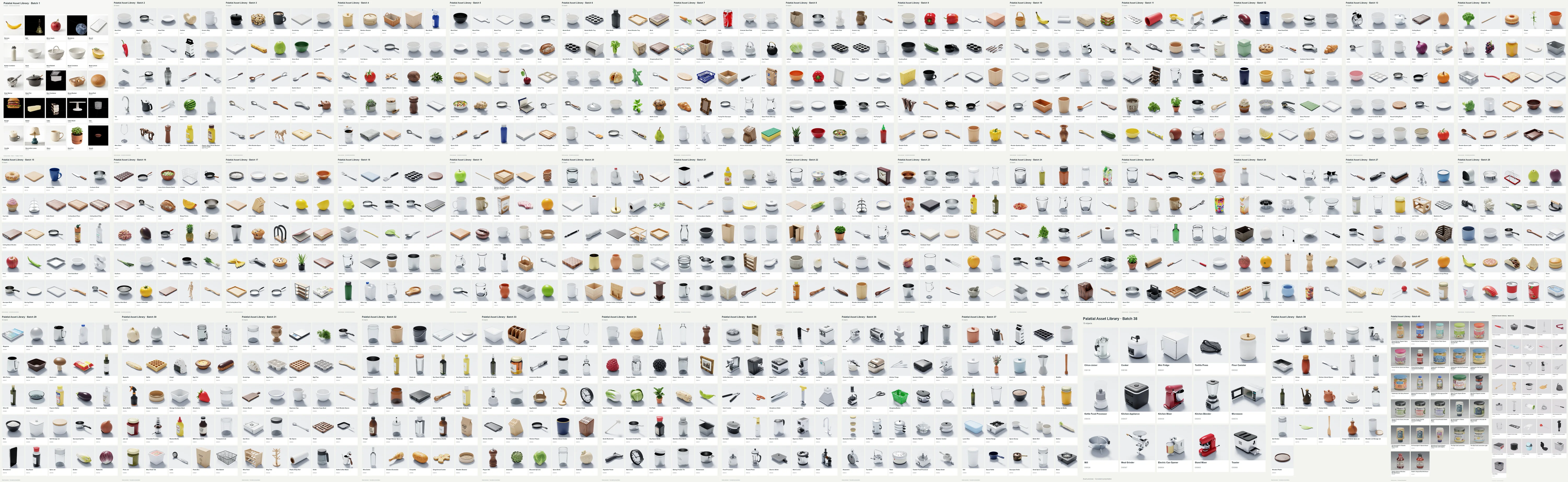
We are introducing an open library of simulation assets generated by Palatial. Researchers can explore the collection, inspect individual objects and bring them into their own simulation workflows. The library is also a starting point for a broader idea: generating an asset around the requirements of the task.
From a real object to a learned skill
Real-to-sim-to-real is a loop. Start with a real task and the objects involved. Build a simulation that preserves the observations and interactions the task depends on. Use that environment to generate demonstrations, train a policy or evaluate one. Then test the behavior on the real robot and use the differences to improve the next simulation.
The first step is more than capturing an object’s appearance. A reference image can describe the shape of a cabinet, but it cannot by itself establish the door’s mass, hinge resistance or clearance. Measurements, CAD, observations of motion and interaction tests supply different kinds of evidence. A useful asset keeps those properties explicit so they can be inspected and revised.
Palatial’s asset pipelines address this content-building stage: turning references and task requirements into geometry, materials, collision representations and moving parts. The rest of the loop also depends on the robot model, sensors, controller, training setup and hardware evaluation. A generated asset is a starting point for that work; successful transfer is established on the real task.
- 01
Real task
References, dimensions and observed interactions
- 02
Simulation asset
Appearance, contact surfaces, parts and physical properties
- 03
Simulated practice
Generate data, train policies and evaluate behavior
- 04
Real robot
Test the task on hardware and measure the differences
The right fidelity for the task
The same object can play very different roles. A mug on a distant shelf contributes to the scene’s appearance. A mug being picked up needs a handle the gripper can enter. A lid being seated needs mating surfaces that agree with the intended clearance. The useful level of detail follows from what the robot has to observe and do.
Broad training may call for many shapes, sizes and surface variations. A specific manipulation skill may depend on one small contact surface, joint axis or opening. Adding visible detail everywhere does not resolve a missing interaction. The practical question is which properties can change the outcome of this task.
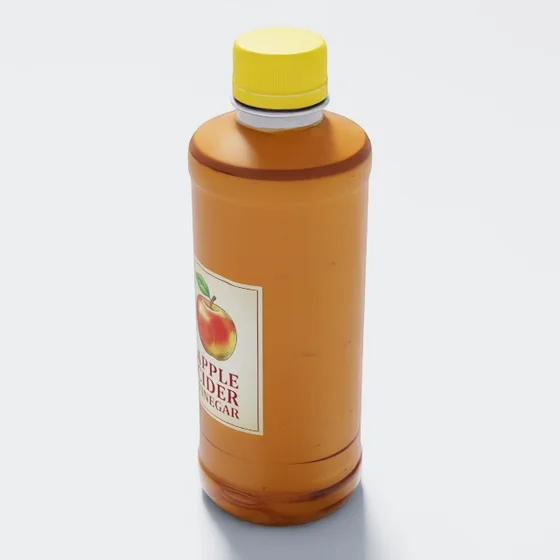
Recognize and locate
For visual learning, silhouette, materials and variation affect what the camera sees. A bottle in the background may only need its appearance; the bottle a robot must pick up also needs a useful contact representation.
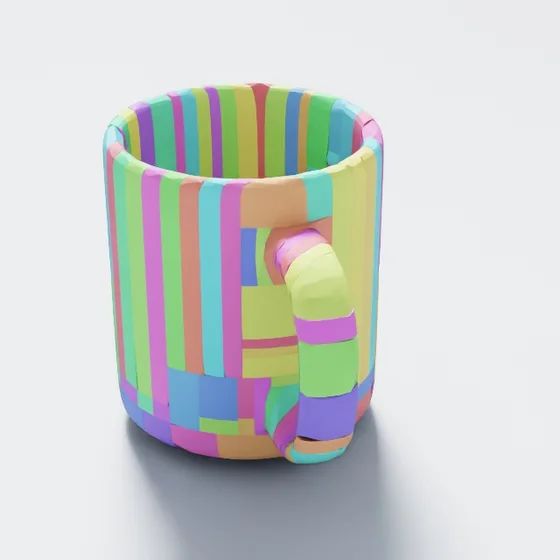
Grasp and place
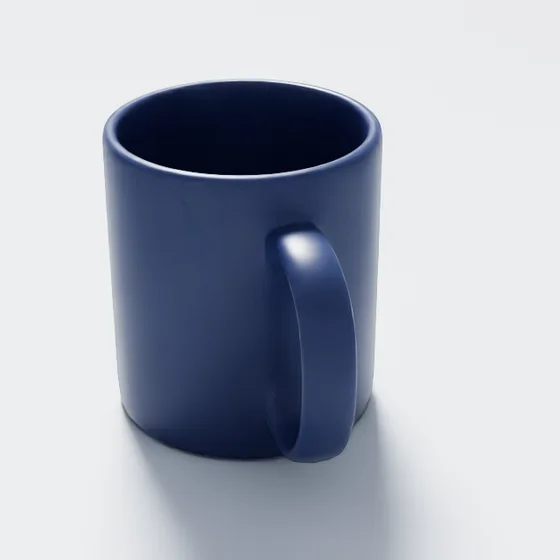
A mug handle needs an open space the gripper can enter. Collision geometry that fills that space changes the task even if the visible mesh looks right. Scale, friction, mass and center of mass also affect the grasp and release.
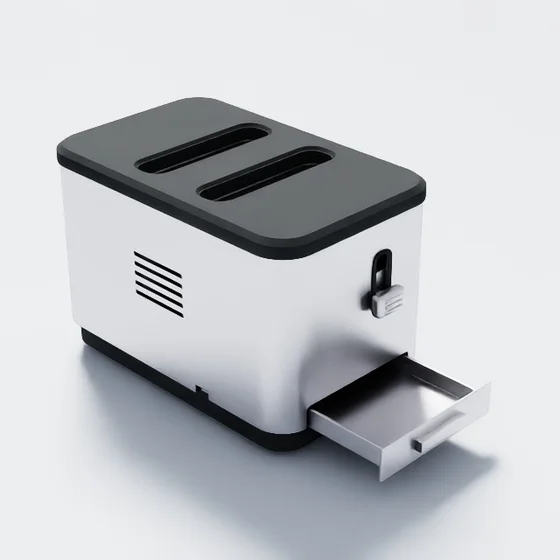
Slide, turn and press
A toaster combines several interactions in one object: lower a lever, turn a dial, press a button or slide out the crumb tray. Each needs a separate moving part, the right joint and suitable limits, with enough clearance for the robot to reach and move it.
Fit and assemble
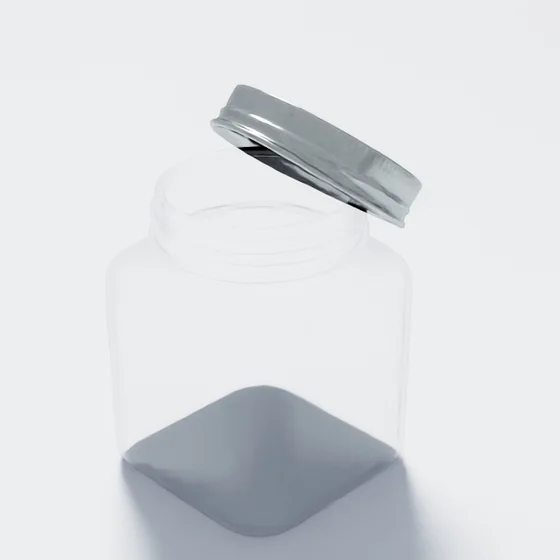
Seating a lid or inserting a part makes the mating surfaces and clearance central to the task. Use measured dimensions or CAD when tolerances matter, then check the fit in simulation. A recognizable shape alone cannot establish dimensional accuracy.
Library objects illustrate the requirements of these tasks. The still images do not demonstrate successful grasps, motion or fitting.
Explore the collection
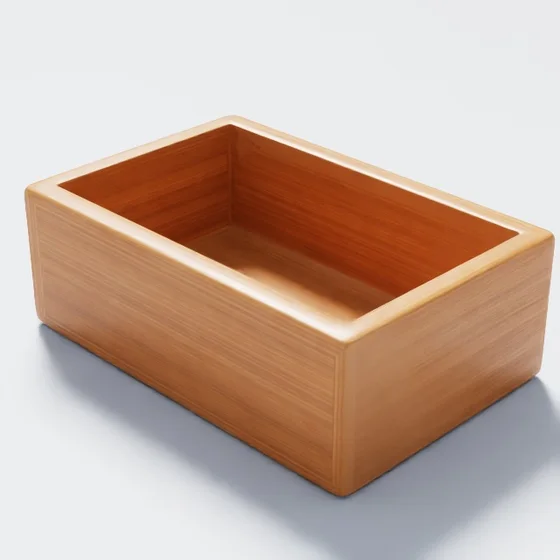
The collection contains USD assets, textures and physics metadata for Isaac Sim workflows. Start with the object your scene needs: kitchenware for grasping and placement, containers for storage interactions, or appliances and tools with authored moving parts.
Inspect the visible surface, switch to the collision view and open the asset’s files. A collision representation can look very different from its rendered surface because it serves a different purpose. What matters for your task is whether it preserves the places where contact should happen and the spaces that need to remain open.
Download complete asset folders from Hugging Face, retaining their textures and scripts. Assets are provided under CC BY 4.0; scripts are under Apache 2.0.
Cups, bottles and utensils

Bowls, pots and containers

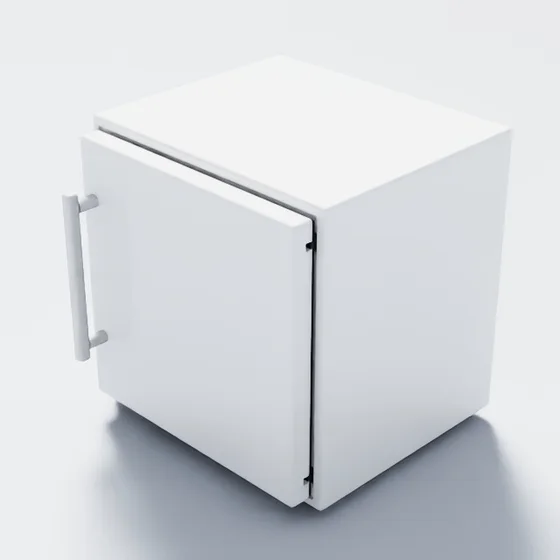
Appliances with moving parts
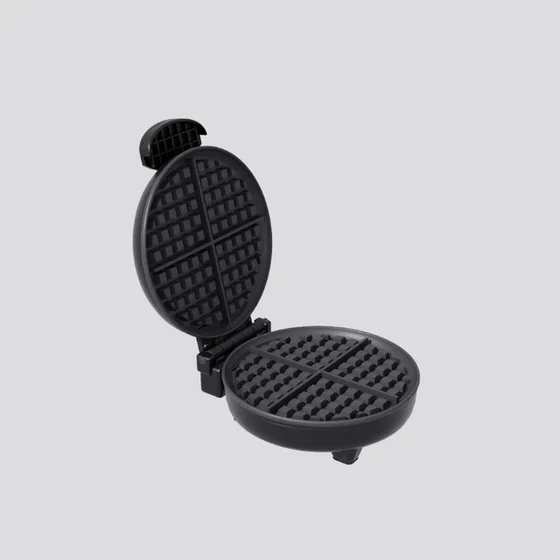
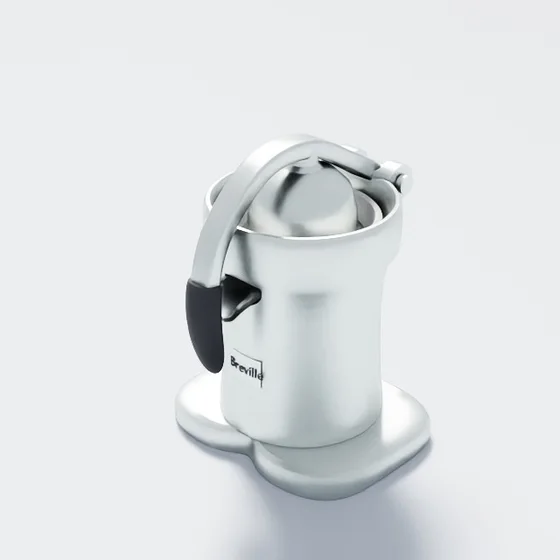
Kitchen tools with moving parts
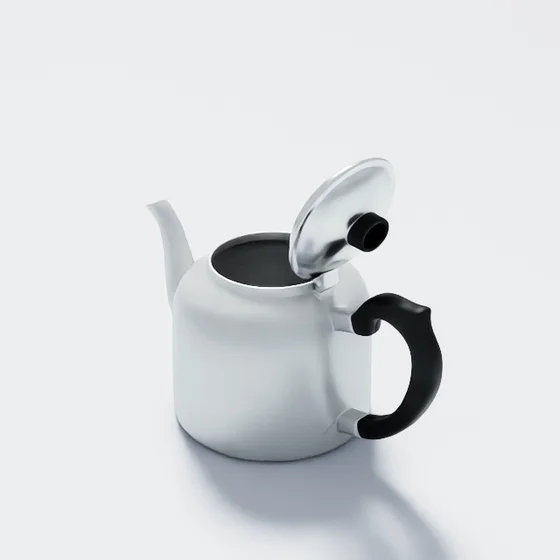
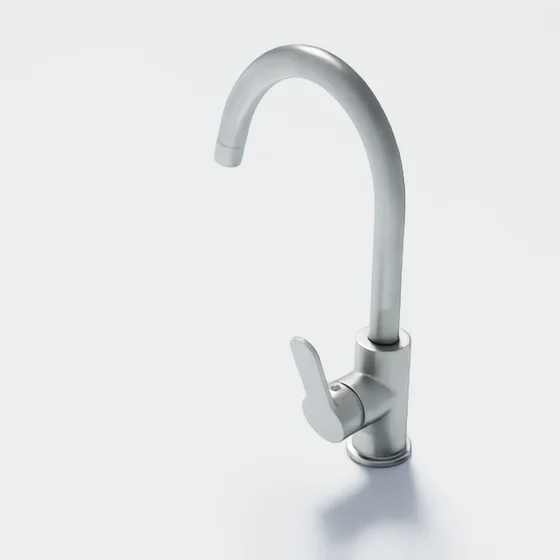
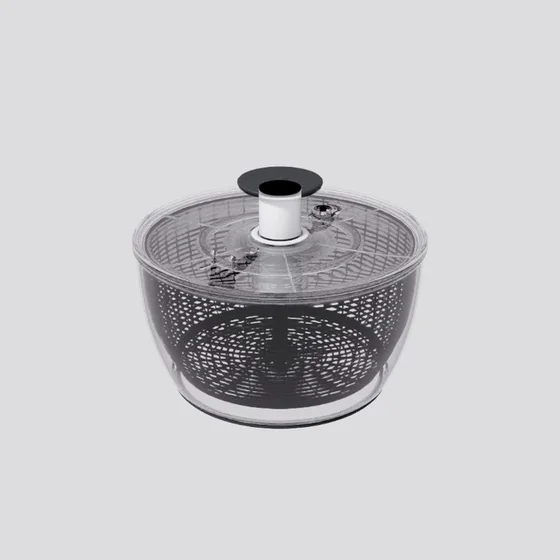
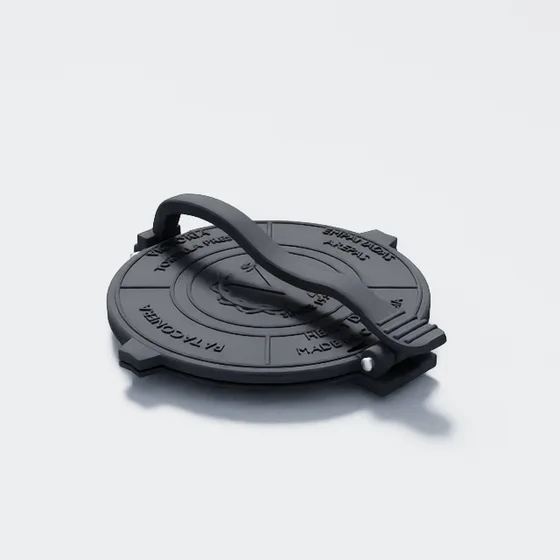
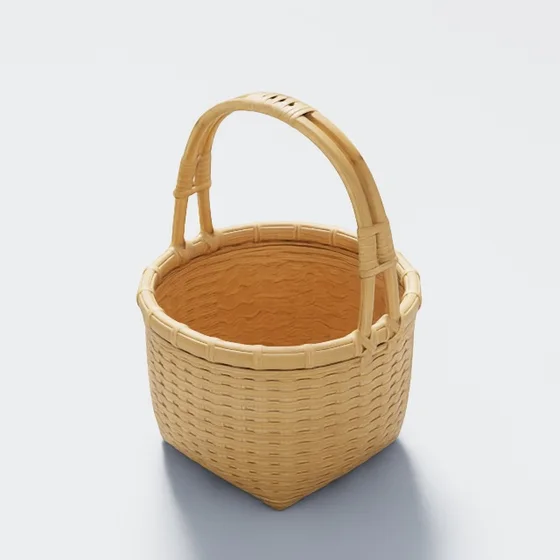
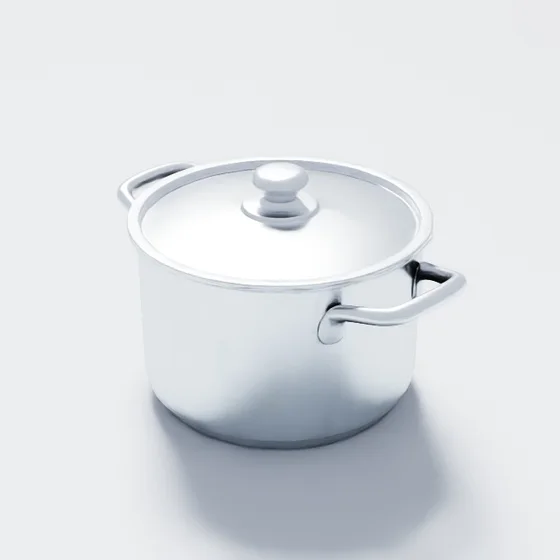
Sixteen library entries, shown with their published renders and collision views. Links are pinned to release a8c65ab. Authored joints describe the asset structure; the images are not physics demonstrations.
Look inside an asset
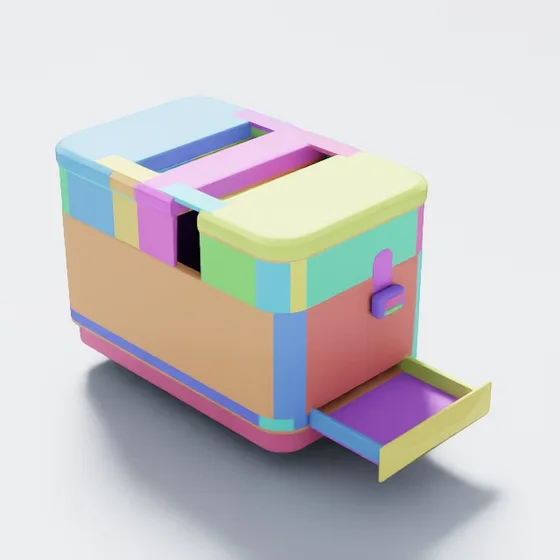
A simulation asset serves both the renderer and the physics engine. The visible mesh, collision representation and moving parts describe different aspects of the same object. The toaster below shows those layers side by side.
A rendered lever tells you where the lever appears to be. A separate rigid body and sliding joint describe how it is allowed to move. The toaster’s dial rotates, while its button and crumb tray each slide along their own joint. Collision geometry determines where the gripper and surrounding objects can make contact. Mass, inertia, friction and joint parameters affect the resulting behavior. These layers need to agree with one another and with the interaction you want to study.
What the camera sees
The visible mesh and its materials describe shape, surface and appearance.
Where contact happens
Collision geometry defines the surfaces used by the physics engine.
How parts move
- Rigid bodies
- 5
- Total mass
- 1.20 kg
- Button
- 5 mm travel
- Control dial
- −90° to 270°
- Crumb tray
- 120 mm travel
- Toast lever
- 30 mm travel
Authored mass and joint ranges: three sliding joints and one rotating joint.
For a tray-removal task, inspect the grip clearance, sliding direction and joint limits, then exercise the tray with the intended robot. Observe contact, motion, release and return. A lever-pressing task needs a different contact surface and direction of force. Checking that these joints exist is a starting point; reliable robot interaction still needs to be tested. These mechanical properties do not model the toaster’s heating or electrical behavior.
Three ways to build around a task
When the collection does not contain the object you need, Palatial offers different generation pipelines. The choice starts with the information available and the control the task requires: an image and a recognizable surface, an explicit construction with dimensions and parts, or a more involved process of investigation and refinement.
These routes describe how an asset is built, not a ranking of asset quality. Each still needs to be inspected in the target simulation. The following examples show references, generated appearance and camera orbits so you can see what each workflow produced.
Diffusion Agent: start from appearance
Diffusion Agent starts with visual references and generated shape. It provides a route for objects whose identity depends on overall form and surface appearance, including irregular shapes that are cumbersome to describe as a list of geometric primitives.
The game controller makes that starting point visible: its curved grips, contrasting surfaces, buttons and sticks establish a recognizable object. Turning that appearance into an interaction asset introduces further requirements. Buttons need separate travel if the task involves pressing them, sticks need appropriate axes and limits, and the grips need collision geometry suited to the intended hand. Those properties need their own checks beyond the render.
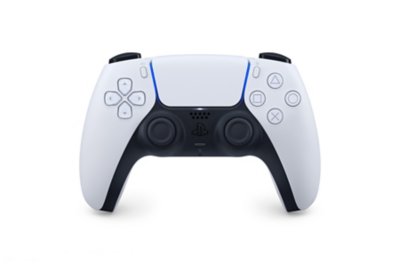
Reference
The supplied image guides the object’s identity and form.
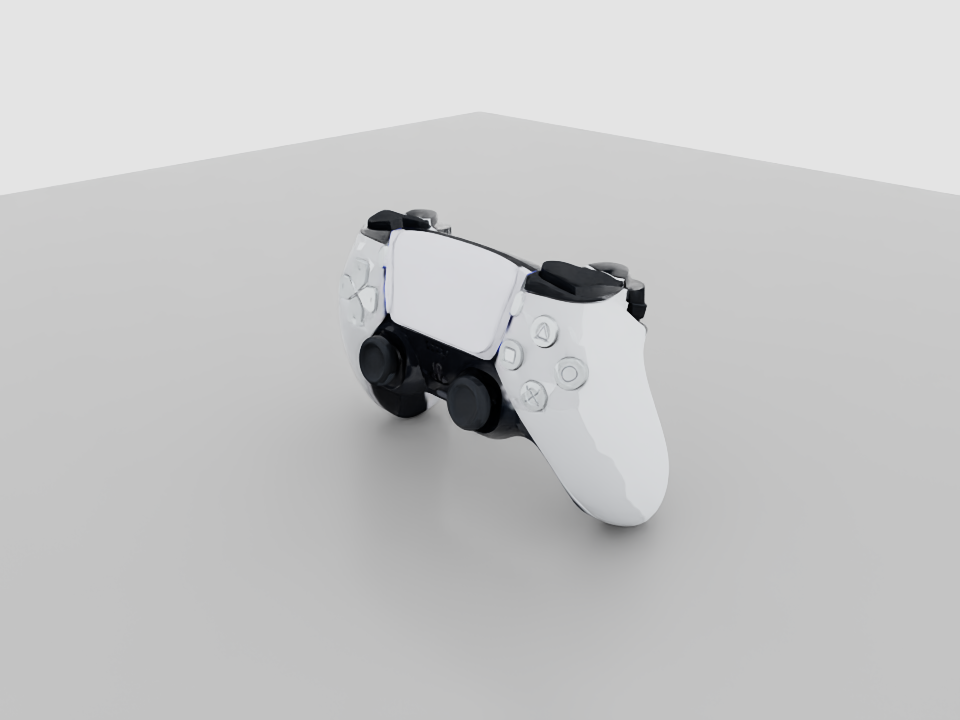
Generated asset
A view of the delivered geometry and materials.
Inspect the shape
Play a four-second camera orbit around the asset.
Asset provenance
- Build
P29_diffusion_fresh_6ac6f4a87ffa33bd57abfefe- USD SHA-256
38c519a40e35e0744b367885112591882fbb2c02cdec40885bcb4f25a49239a4
Parametric Low: build explicit structure
Parametric Low emphasizes explicit construction within a chosen mesh budget. The workflow describes geometry and parts in terms of their structure, giving a way to reason about dimensions, component relationships and the motion a manufactured object should support.
The cordless drill brings together a shaped housing, grip, chuck and small controls. That structure provides a useful breakdown for modeling and inspection: a trigger that translates, a selector that changes position and a chuck that rotates introduce different geometric and joint requirements. If a physical part must fit against the tool, measured dimensions or CAD should guide that interface; a dimension inferred from a photograph remains an estimate.
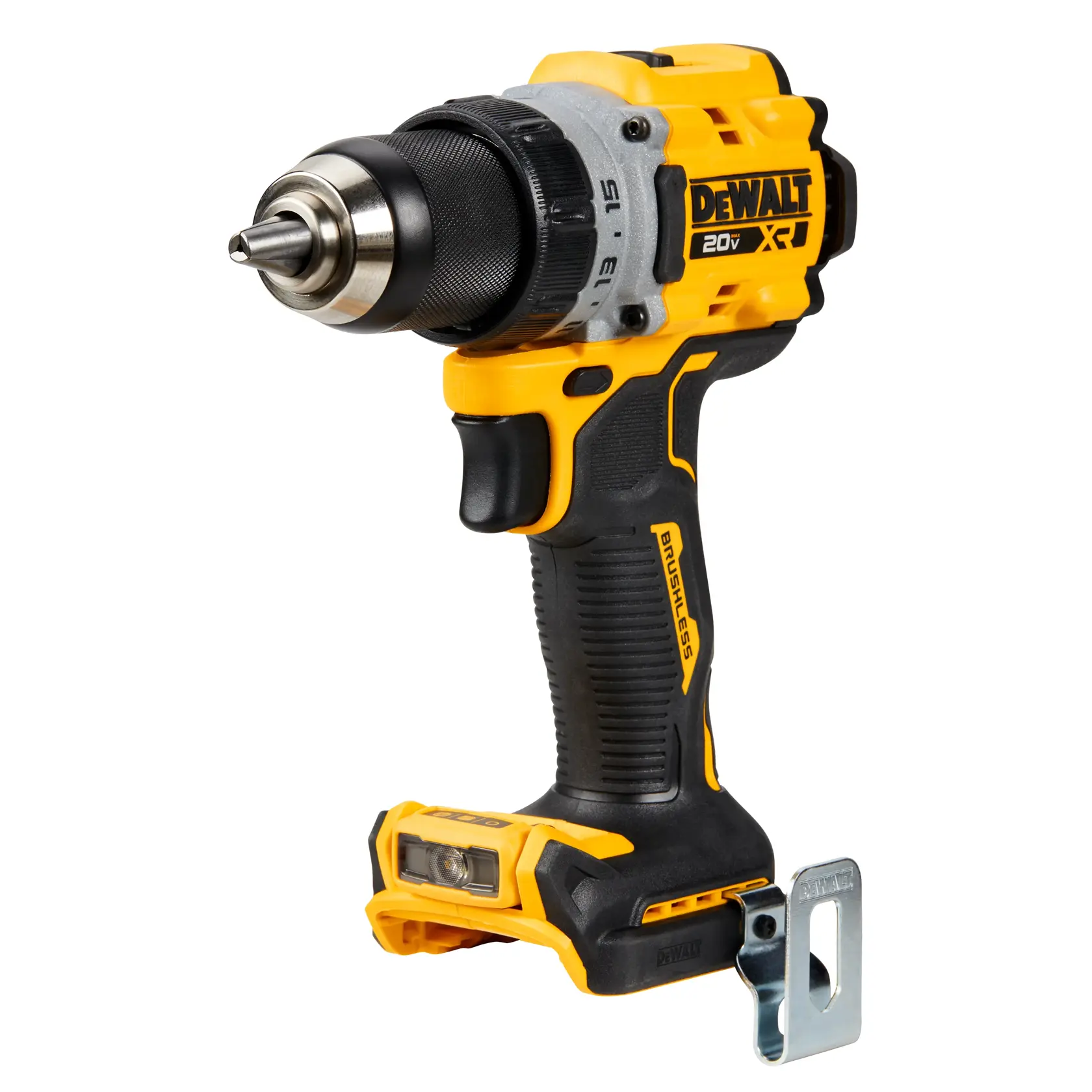
Reference
The supplied image guides the object’s identity and form.
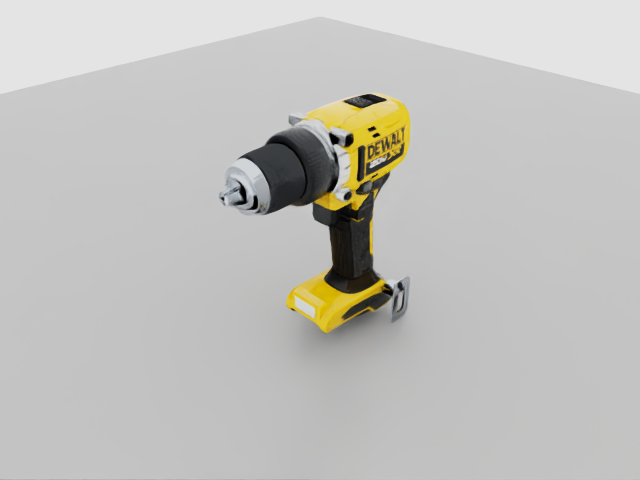
Generated asset
A view of the delivered geometry and materials.
Inspect the shape
Play a four-second camera orbit around the asset.
Asset provenance
- Build
P26_parametric_low_regen_a8287853- USD SHA-256
90c8a8ed95c3a5a326fcf3a408a5fe9954991bf715201fe6e0682d34dec8ba8a
Mad Max: investigate and refine
Mad Max adds iterative visual and structural review to procedural construction, with product research when the workflow calls for it. This route is useful when understanding the object requires closer investigation of its construction, small features or mechanisms and revision of the initial model.
The espresso machine combines a hopper, control panel, portafilter, steam wand and removable tray in one appliance. The reference and task description call for several distinct interactions: inserting and turning the portafilter, operating controls, moving the wand and sliding the tray. This delivered build contains fourteen rigid bodies and twelve authored joints. The preview shows the assembled geometry; contact, travel and clearances still need to be checked with the intended robot. Liquid, steam and thermal behavior are outside this example’s scope.
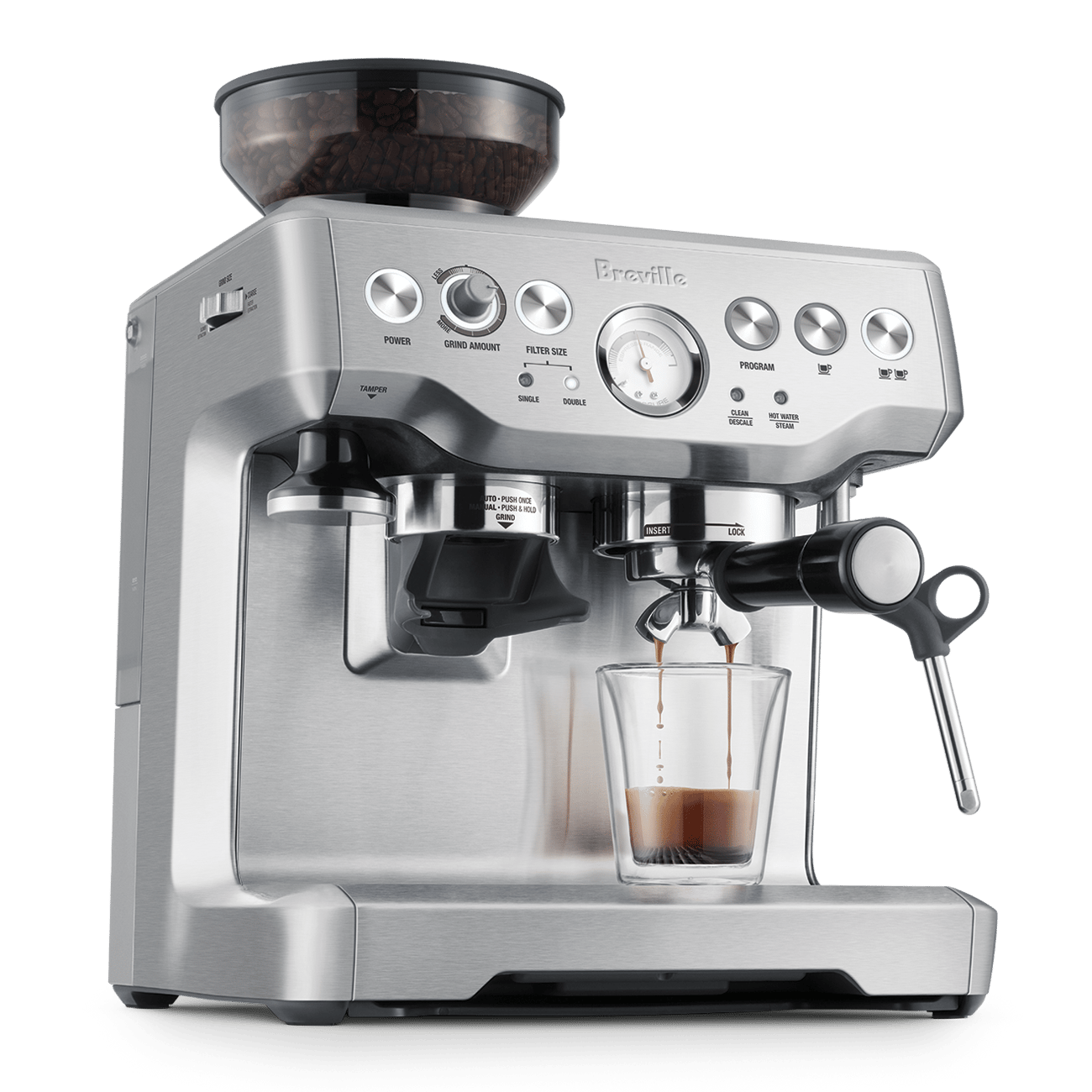
Reference
The supplied image guides the object’s identity and form.
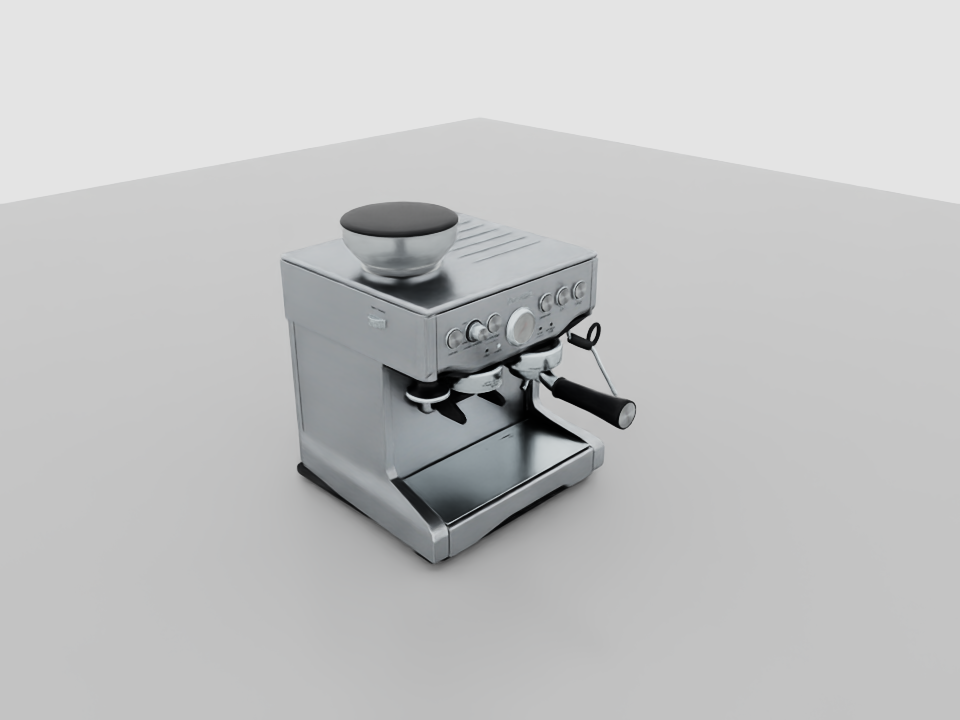
Generated asset
A view of the delivered geometry and materials.
Inspect the shape
Play a four-second camera orbit around the asset.
Asset provenance
- Build
P01_mad_max_research- USD SHA-256
8c7d9187c8f9cc171ee8042726901b02f0d08478f3535248493aedfd5690f37c
Start with one object, then close the loop
Choose one object and write down the interaction you want to study. Check the asset’s scale and appearance, inspect its collision representation and any authored motion, then run the interaction in your simulator. Keep estimated properties separate from measured ones so you know what needs calibration.
Once the simulated task is useful, vary the conditions relevant to your training or evaluation. Test the learned behavior on hardware, record where it differs, and bring that evidence back to the asset and simulation. This is how the library and generation workflows fit into real-to-sim-to-real: they make the objects easier to create, inspect and revise as the task becomes better understood.
What robotics research shows
Published work from several robotics teams, including NVIDIA researchers, makes these requirements concrete. Their results come from complete learning and deployment systems; the asset representation is one part of what makes those systems work.
DexMimicGen: reconstruct, generate data, transfer
DexMimicGen, from NVIDIA Research, UT Austin and UC San Diego, presents a real-to-sim-to-real pipeline and demonstrates it on a real humanoid can-sorting task. It turns a small set of human demonstrations into additional simulated demonstrations for learning. This is a concrete use for reconstructed task objects: they support repeatable interactions and variation during data generation.
IndustReal: contact and control matter together
IndustReal demonstrates transfer of contact-rich assembly policies to real hardware. Its simulation-aware policy updates reduce the influence of experience with large interpenetrations, so a policy is less able to learn an assembly strategy that exploits inaccurate contact. The system also addresses deployment error through its controller. For asset preparation, the lesson is to inspect contact surfaces and clearances, then evaluate them with the intended control setup.
ADEPT: different assets for different training stages
ADEPT, from NVIDIA and University of Michigan researchers, pre-trains dexterity on randomized primitive shapes, adapts that policy to task-specific objects and reports zero-shot sim-to-real transfer on real arm–hand systems. Generic shapes support broad experience; precise task objects support specialization. That distinction helps explain why an asset workflow needs both variety and control over task-specific structure.
Together, these examples motivate the properties we ask researchers to inspect: appearance, scale, contact geometry, mass and inertia, articulation, and behavior under the intended controller. Which checks matter most depends on the task.
Sources
- NVIDIA Research, UT Austin and UC San DiegoDexMimicGen: Automated Data Generation for Bimanual Dexterous Manipulation via Imitation Learning
- NVIDIA Research and collaboratorsIndustReal: Transferring Contact-Rich Assembly Tasks from Simulation to Reality
- NVIDIA Technical BlogIndustReal: simulation-aware policy updates and deployment
- NVIDIA and University of MichiganADEPT: Accelerating Dexterity via Pre-Training and Post-Training using Reinforcement Learning